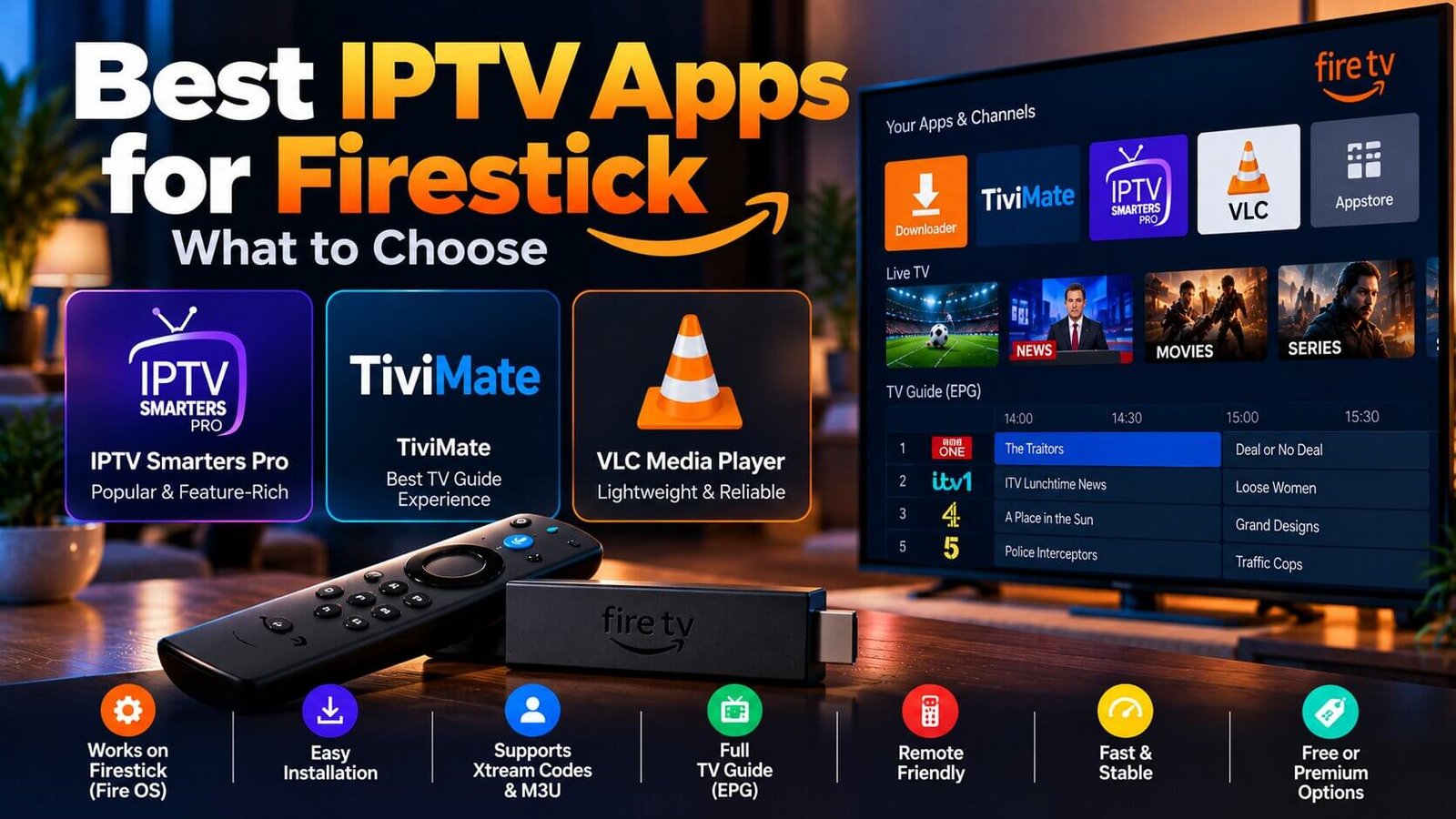
Best IPTV Apps for Firestick: What to Choose
The best IPTV Firestick app is the one that runs properly on your particular stick, accepts your login type and is comfortable to use with a remote. This guide looks at three well-known players worth considering: IPTV Smarters Pro, TiviMate and VLC. Before comparing them, though, there’s one check that matters more than any feature list: whether your stick runs Fire OS or Vega OS. This guide covers that check, the criteria worth comparing, and which app suits which kind of viewer.
Check your Firestick before choosing an app
Fire TV Sticks now come with one of two operating systems, and it decides which apps you can use:
- Fire OS is based on Android, according to Amazon’s developer documentation. Fire OS sticks can install apps from the Amazon Appstore and, once you allow it, from a developer’s own website using a tool such as Downloader.
- Vega OS is Amazon’s newer system, which Amazon says runs on the Fire TV Stick 4K Select and all Fire TV Sticks that follow it. Vega sticks can’t install apps from outside the Amazon Appstore.
You’ll find your stick’s model and software version under Settings > My Fire TV > About. Our guide to setting up IPTV on a Firestick explains this step in detail, including which models run which system.
If your stick runs Vega OS, your choice is limited to IPTV players that the Amazon Appstore offers for that device, so search the store on the stick itself.
Best IPTV Firestick apps: what to look for
An IPTV player doesn’t provide any channels. It connects to your provider using your login details and turns them into a channel list, a TV guide and a picture. So the differences between apps come down to how well they do that job on a small, remote-controlled device:
| Criterion | Why it matters on a Firestick |
|---|---|
| Login types | Support for an Xtream Codes login saves time; M3U support is a useful fallback |
| TV guide | A clear grid guide makes live TV much easier to browse |
| Remote-friendly design | Apps built for touchscreens can be awkward with a D-pad remote |
| Performance | Amazon’s specifications list 1 GB to 2 GB of memory on current sticks, so a light, responsive app matters |
| Official source | The app should come from an official store or the developer’s own website |
| Price model | Some players are free; others charge for a premium version |
Features that are nice to have
Once the basics are covered, a few extra features make day-to-day viewing easier:
- Favourites, so the channels you watch most sit at the top of the list.
- Catch-up, where your provider supports it, for programmes that have already aired.
- Parental controls to lock categories in a family home.
- External player support, which lets you hand a stream to another player if the built-in one struggles with it.
- Multiple playlists or profiles if more than one person or service uses the same stick.
Don’t let a long feature list outweigh the basics, though. On a Firestick, a fast, stable app you find easy to use beats one with every option but a sluggish interface.
IPTV Smarters Pro
IPTV Smarters Pro is a dedicated IPTV player available on several platforms. The developer’s website describes support for M3U playlists, API-based logins and an electronic programme guide, with separate sections for live TV, films and series.
Why people choose it
- Familiar, straightforward layout that’s easy for beginners.
- Works with both Xtream Codes logins and M3U playlists.
- Available on several platforms, so you can use the same app on other devices.
Things to know
- The developer publishes the Android version on its official website, getiptvsmarters.com. On a Fire OS stick you install it using Downloader.
- Several apps with similar names appear in the Amazon Appstore from other developers. They’re not the same app.
- Because installation happens outside the Appstore, it isn’t an option on Vega OS sticks.
Our IPTV Smarters Firestick installation guide covers the install itself, and there’s a separate guide to setting up IPTV Smarters Pro.
TiviMate
TiviMate is a player aimed at watching live TV on a television. Its official Google Play listing, from developer Armobsoft FZE, describes it as “designed for Android TV and remote control navigation” and names M3U, Xtream Codes and Stalker Portal as supported playlist formats.
Why people choose it
- A TV-style guide grid that feels like a traditional set-top box.
- Support for multiple playlists and favourites.
- Built for remote control use rather than touchscreens.
Things to know
- The app is free to install with in-app purchases; some features need the premium upgrade.
- The listing states that TiviMate “is a media player only and does not provide any content”.
- It isn’t designed for phones or tablets.
How you install it depends on your stick and changes over time, so see our guide to installing TiviMate on a Firestick for current options.
VLC for Fire
VLC is a free, open-source media player from VideoLAN. VideoLAN’s own download page links to an Amazon Appstore version called VLC for Fire, and describes VLC as able to play video and audio files and network streams.
Why people choose it
- Free, with no premium tier.
- Comes from a well-known, long-established developer.
- Useful for testing whether a single stream or M3U playlist plays at all.
Things to know
- VLC is a general media player, not a dedicated IPTV app. It has no Xtream Codes sign-in or full TV guide grid, so browsing hundreds of channels is slow.
- Check that the Appstore offers it for your specific model.
VLC is best thought of as a handy backup and troubleshooting tool rather than your everyday IPTV player on a Firestick.
Side-by-side comparison
| IPTV Smarters Pro | TiviMate | VLC for Fire | |
|---|---|---|---|
| Xtream Codes login | Yes | Yes | No |
| M3U playlists | Yes | Yes | Yes |
| TV guide grid | Yes | Yes, TV-style grid | No |
| Designed for remotes | Works with a remote | Yes, built for TV | Works with a remote |
| Price | Check the developer’s current terms | Free, with a premium upgrade | Free |
| Official source | getiptvsmarters.com | Google Play (Android TV); see our Firestick guide | Amazon Appstore, linked by VideoLAN |
| May suit | Beginners and multi-device households | Viewers who prioritise a TV-style guide | Testing streams and backup playback |
Store listings, prices and availability change, so check the official source before you install.
Which app should you choose?
- You’re new to IPTV: for a beginner who wants a straightforward interface, IPTV Smarters Pro is one option to consider. Its sections for live TV, films and series are easy to follow.
- You mainly watch live TV: for viewers who prioritise a TV-style guide and remote navigation, TiviMate may be a better fit.
- You want to test a single stream or playlist: use VLC.
- Your stick runs Vega OS: search the Amazon Appstore on the device and check the developer carefully, or consider another streaming device for IPTV.
- You use several types of device: choose a player available on all of them, so everyone in the house learns one layout. Our comparison of the best IPTV players covers other devices.
Picking the best IPTV Firestick player and picking a service are separate decisions. The player decides how things look and feel; your provider decides which channels you get and how reliably they stream. If you’re comparing services rather than apps, see our guide to choosing the best IPTV in the UK.
Avoid look-alike apps
Search the Amazon Appstore for a popular player and you’ll often find several apps with similar names and icons from unrelated developers. Some are harmless; others show adverts, ask for unnecessary permissions or simply don’t work well.
- Check the developer name against the one on the official website.
- Download from the official source: the developer’s own site, or a store listing it links to.
- Avoid “modded” or “premium unlocked” versions from third-party websites. They can include unwanted code and won’t receive official updates.
- Be wary of apps that come with channels built in. A genuine player app doesn’t supply content.
Frequently asked questions
What is the best IPTV app for a Firestick?
There’s no single answer. IPTV Smarters Pro is one option for a straightforward interface, while TiviMate may suit viewers who want a TV-style guide. The right choice also depends on whether your stick runs Fire OS or Vega OS.
Are IPTV apps for Firestick free?
Many are free to install. TiviMate offers a paid premium upgrade, and VLC is completely free. Your IPTV subscription is separate from the app.
Can I use more than one IPTV player on the same Firestick?
Yes, as long as there’s storage space. You can enter the same login in each player, though your plan’s connection limit still applies if you stream on several devices at once.
Why can’t I find my IPTV app on my new Firestick?
Your stick may be a newer Vega OS model, such as the Fire TV Stick 4K Select. Those models are limited to the Amazon Appstore, so players you’d normally get from a developer’s website can’t be added.
Does the app affect picture quality?
It can affect smoothness through its player and buffer settings, but picture quality mainly depends on the stream and your connection. See our guide to fixing Firestick buffering if playback stutters.
Try your chosen app with a real service
The best way to pick an app is to test it with your own login on your own TV. Set up your Firestick, then try IPTV UK HQ free for 24 hours with the player you prefer.